
Google My Business optimization guide
How to Optimize Your Google My Business Profile for Local Success
Learn to claim, optimize, and manage your Google Business Profile.
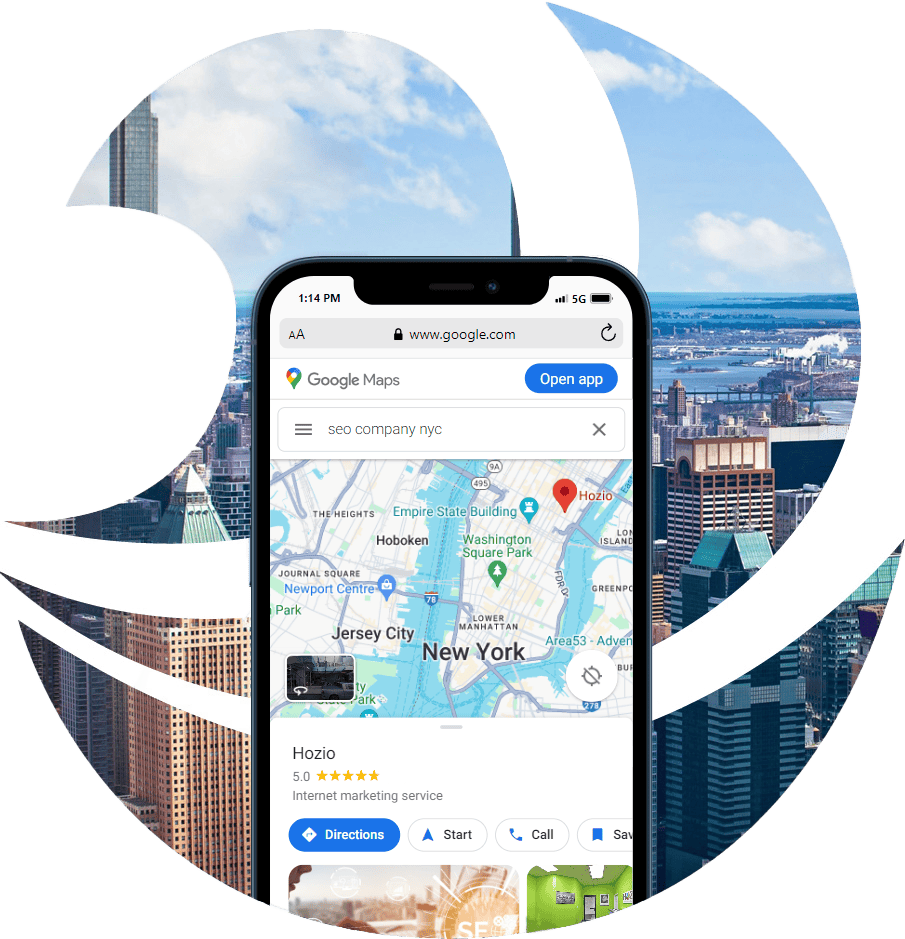


Show Up Above Your Competitors
This guide walks local businesses and marketing teams through every essential step of optimizing a Google My Business Profile (GBP). From claiming and verifying your listing to managing reviews, adding attributes, and tracking insights, it provides a clear roadmap to help your business appear prominently in local search and on Google Maps. The guide draws on official Google documentation and proven local SEO best practices, making it both authoritative and practical for everyday use.
Use this guide as a hands-on reference during setup or optimization. Each numbered section builds on the last—start by ensuring your business information is accurate, then progress through photos, posts, attributes, and performance tracking. Revisit it regularly to confirm your GMB remains active, current, and competitive, especially after business changes or seasonal updates.
1) Claim & Verify Your Google My Business Profile
- How to verify your business (official): methods (video, mail, phone, email, etc.). Google Help
- GMB Help Center (entry point for claim/verify/manage): central hub for all GMB workflows. Google Help
- Context (news): Local Services Ads increasingly require a verified GMB in some regions. AP News

2) Ensure Business Info Is Accurate & Complete
- Edit your Business Profile (official): update name, address, hours, phone, website, photos, more. Google Help
- Tips to improve local ranking (official): Google states complete, accurate info + verification help visibility; ranking factors = relevance, distance, prominence. Google Help
- Business info list for service businesses (official overview): what your profile can include. Google Help
3) Add High-Quality Photos
- Manage photos & videos (official): formats, size limits, and quality guidelines (focus, lighting, minimal alterations). Google Help
- Photos & posts content policy (official): what’s allowed; keep images authentic and helpful. Google Help
4) Optimize Your Business Description
- Edit your Business Profile (official): where to update description and fields. Google Help
- Tips to improve local ranking (official): keep info complete and relevant (supports having a clear, descriptive profile). Google Help
5) Enable Messaging
- Chat with customers (official): enable text/WhatsApp messaging from your profile. Google Help
- Business Messages (developer features): overview of capabilities if you scale beyond basic chat. Google for Developers
6) Manage & Respond to Reviews
- Read & reply to reviews (official): how to respond, edit, or delete a reply. Google Help
- Tips to get more reviews (official): share a review link/QR, where to place it. Google Help
- Policy climate (news): Google cracking down on fake reviews; profiles can receive warnings/restrictions. The Verge
- Consumer behavior (research): BrightLocal’s annual review survey (latest). BrightLocal
7) Use Posts & Updates
- Create & manage posts (official): share offers, events, updates on Search & Maps; helps customers decide to visit. Google Help
- GMB overview page (official): highlights posts/offers/events as core features. Google Business
8) Add Attributes
- Manage your business attributes (official): accessibility, payment types, amenities, etc. Google Help
- How-to article from Google Maps site: quick “why attributes matter” and where to edit. Google Maps
9) Set Up & Use Q&A
- GMB product page (official): shows Questions & answers feature in action. Google Business
- GMB Help Center (index): links out to Q&A guidance and community resources. Google Help
10) Use Local Posts for Events, Offers & Products
- Create & manage posts (official): choose post types (Offer, Event, etc.) and include CTAs/expiry. Google Help
- GMB overview page (official): posts to promote specials and keep customers in the loop. Google Business
11) Ensure Accurate Service Area Info (SABs/Hybrids)
- Manage service areas (official): set up to 20 service areas by city/ZIP; edits can take up to 48 hours. Google Help
- Service business overview (official): what’s included on SAB profiles. Google Help
12) Add Products (if applicable)
- GMB Help Center (hub): product/offer posting and management resources (navigate via “Engage with customers” → products). Google Help
- Posts & policies (official): ensure product images/text comply. Google Help
13) Monitor GBP Insights / Performance
- Track key actions: Open your GBP dashboard or Google Search → search your business name → click “Performance” to view how customers find and interact with your business.
- Understand the metrics:
- Searches & views — how often your profile appeared in Google Search or Maps.
- Calls, messages, and website clicks — total customer interactions driven from your listing.
- Direction requests — number of users who tapped for directions (a strong local intent signal).
- Photo views & engagement — how often customers viewed your photos versus competitors.
- Analyze website traffic: Use Google Analytics (or GA4) to track visitors referred from Google Maps or organic local search.
- Review trends: Check monthly or quarterly to see what’s increasing (e.g., calls, views) and align your updates—like new photos, posts, or service descriptions—to strengthen performance.
14) Keep Your Profile Up to Date
- Edit your Business Profile (official): keep hours, services, and contact details current. Google Help
- Google explicitly encourages complete, accurate, and up-to-date info. Google Help
15) Use GMB for Promotions
- Create posts/offers/events (official): promote seasonal discounts and time-boxed offers with expirations. Google Help
- GMB overview page (official): “Create posts, offers, and events” highlighted among core features.